
::: 
DevCheck practice page
A fictional demo page with deliberate accessibility issues. Scan it with DevCheck, find the issues, apply the fix and re-test, without writing code.
How to practice
- Open DevCheck on this page and choose Scan → Scan this page. If you have not installed it yet, install it from the DevCheck page first.
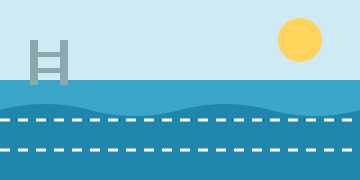
- In the results, find the button without a name (button-name) and the image without alternative text (image-alt). Activate an element entry and DevCheck marks it on the page.
- Press "Apply the fix". The demo button gets visible text, the image gets alternative text, and the class status no longer relies on color alone.
- Scan again and check that both issues are gone.
- Optional: turn on the green-blind simulation and compare "Open" and "Full" before and after the fix. You can also press Tab to check that every button is reachable by keyboard.
No findings does not mean the page conforms to WCAG. Items marked "Needs manual review" still need your judgment.
Back to DevCheck and installationDemo: autumn swim lessons (fictional)
- Mon 17:00Beginners
- Wed 18:30Breathing practice
- Sat 10:00Parent and child